Best Duplicate File Finder Tools for Mac & Windows


Best duplicate file finder: quick picks for 2026
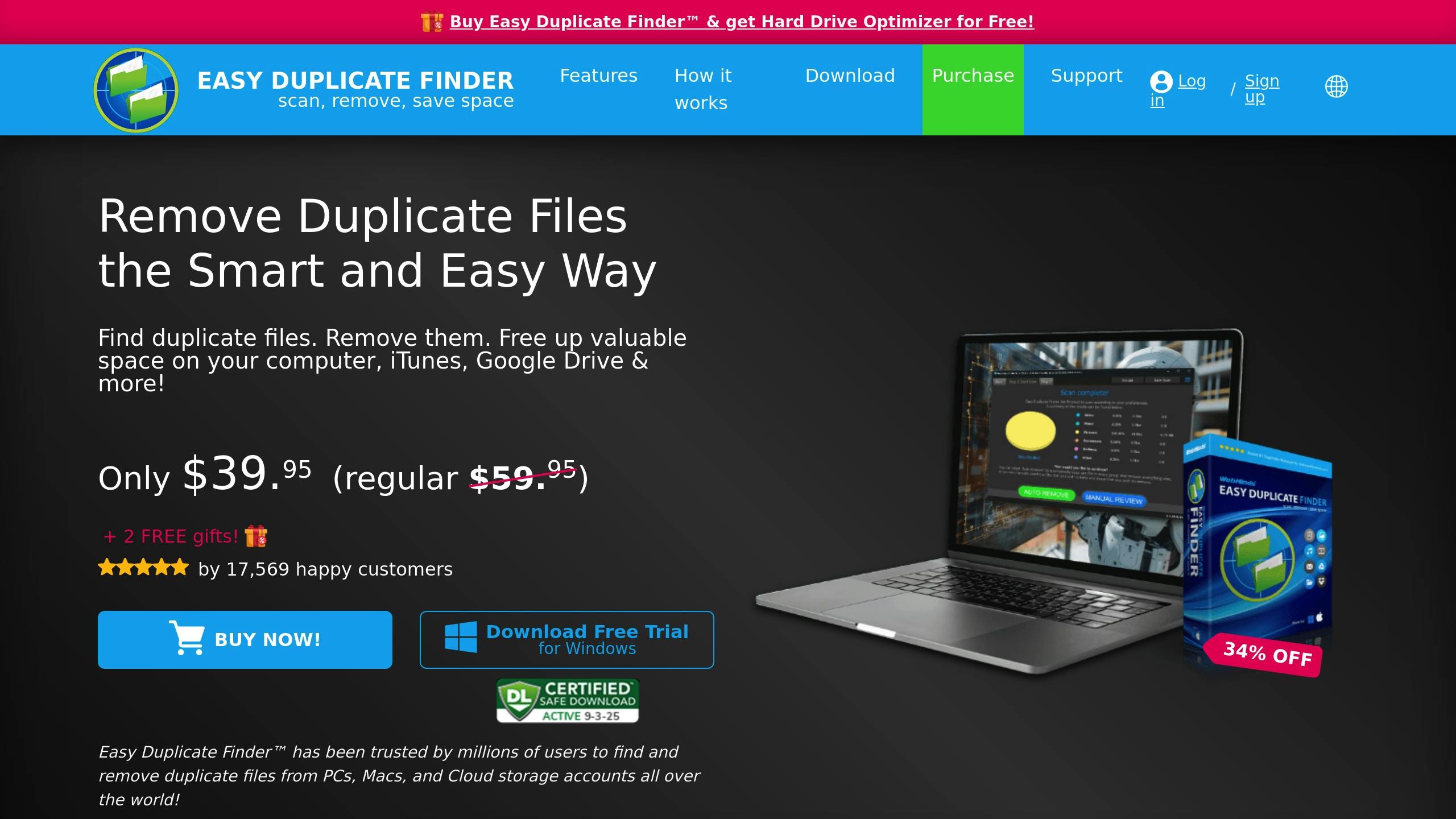
The best duplicate file finder depends on what you need to clean. For most people, Easy Duplicate Finder is the safest all-round pick because it works on Mac and Windows, supports previewing files, and gives you an undo path if you delete the wrong thing.
If you want a free duplicate file finder, use dupeGuru. It is open-source, works on Mac, Windows, and Linux, and gives advanced users strong control over exact and fuzzy matches.
Mac users with large photo libraries should look at Nektony's Duplicate File Finder or Tidy Up. Windows users who want a dedicated Windows tool should also compare Auslogics Duplicate File Finder, Duplicate Cleaner, and Fast Duplicate File Finder before buying.
Start with one folder. Preview every match. Send files to Trash or Recycle Bin first. Never let any duplicate file finder bulk-delete system folders, app folders, or cloud libraries you have not backed up.
The safest duplicate file finder is not the one that deletes fastest. It is the one that helps you spot true duplicates before anything disappears.
Before we begin
Mac users can download CleanAppsNow to remove unused apps and their leftover support files after dealing with duplicate files. CleanAppsNow is an app uninstaller, not a duplicate-file finder, so use one of the tools below for duplicate detection.
Duplicate cleanup sounds simple until you delete the wrong “copy.” Photos, music, project folders, and cloud files often contain near-matches that look disposable but are not identical.
Use this safety checklist before you scan:
- Back up the folder or confirm your Apple Time Machine, Windows backup/File History, iCloud, OneDrive, or Google Drive storage backup is current.
- Scan a small test folder before scanning an entire drive.
- Exclude system folders, app folders, caches, and backup archives.
- Review file paths, dates, sizes, and previews before deletion.
- Move duplicates to Trash or Recycle Bin first. Empty it only after you check that the originals still open.
A good duplicate file finder should show previews, group matches clearly, and let you choose which version to keep. A bad one treats “same size” as proof. That is how people lose files.
Quick comparison: 6 duplicate file finder tools
Tool | Platforms | Best for | Free or paid | Safety notes |
|---|---|---|---|---|
Easy Duplicate Finder | Mac, Windows | General cleanup, cloud folders, beginners | Free version plus paid plans | Preview, scan modes, undo-delete path |
dupeGuru | Mac, Windows, Linux | Free/open-source cleanup, fuzzy matching | Free | Powerful, but slower for photos and better for careful users |
Tidy Up | Mac | Mac power users, Photos/Music/Mail libraries | Paid | Strong filters, but exclude system files manually |
Duplicate File Finder by Nektony | Mac | Mac photos, folders, everyday cleanup | Free scan with paid features | Good previews and smart selection, but Mac-only |
Duplicate Sweeper | Mac, Windows | Cross-platform users and cloud-synced folders | Paid | Content-based matching and manual review options |
CleverFiles Duplicates Finder | Mac | Budget Mac cleanup | Low-cost paid app | Cheap, but manual deletion can be slow |
Prices and free limits change often. Treat this as a 2026 editorial comparison, then check each vendor's current pricing before you install.
1. Easy Duplicate Finder
Easy Duplicate Finder is the best duplicate file finder for most mixed Mac and Windows cleanup jobs. It is approachable, supports common file types, and gives non-technical users enough guardrails to avoid a bad bulk delete.
Best for
Easy Duplicate Finder fits people who want one duplicate file finder for documents, photos, music, videos, and cloud-synced folders. It makes the most sense if you work across Mac and Windows or if you want guided cleanup instead of a blank advanced settings panel.
What it finds
The app can scan selected folders, drives, and supported cloud storage locations. It can look for duplicate files by content and by matching rules, so renamed files are not automatically ignored.
That matters because real duplicate clutter rarely looks clean. One folder has invoice-final.pdf, another has invoice-final-copy.pdf, and a third has the same file with a random download suffix.
Safety features
The main advantage is the review flow. You can preview matches, use scan modes, and undo deletion actions if you catch a mistake. That makes it a safer duplicate file finder for beginners than tools that push you toward instant removal.
Caveats
Do not run a full-drive scan on day one. Start with Downloads, Desktop, or one photo export folder. If you scan a cloud-synced folder, confirm whether the tool checks local copies or the cloud source itself before deleting anything.
2. dupeGuru
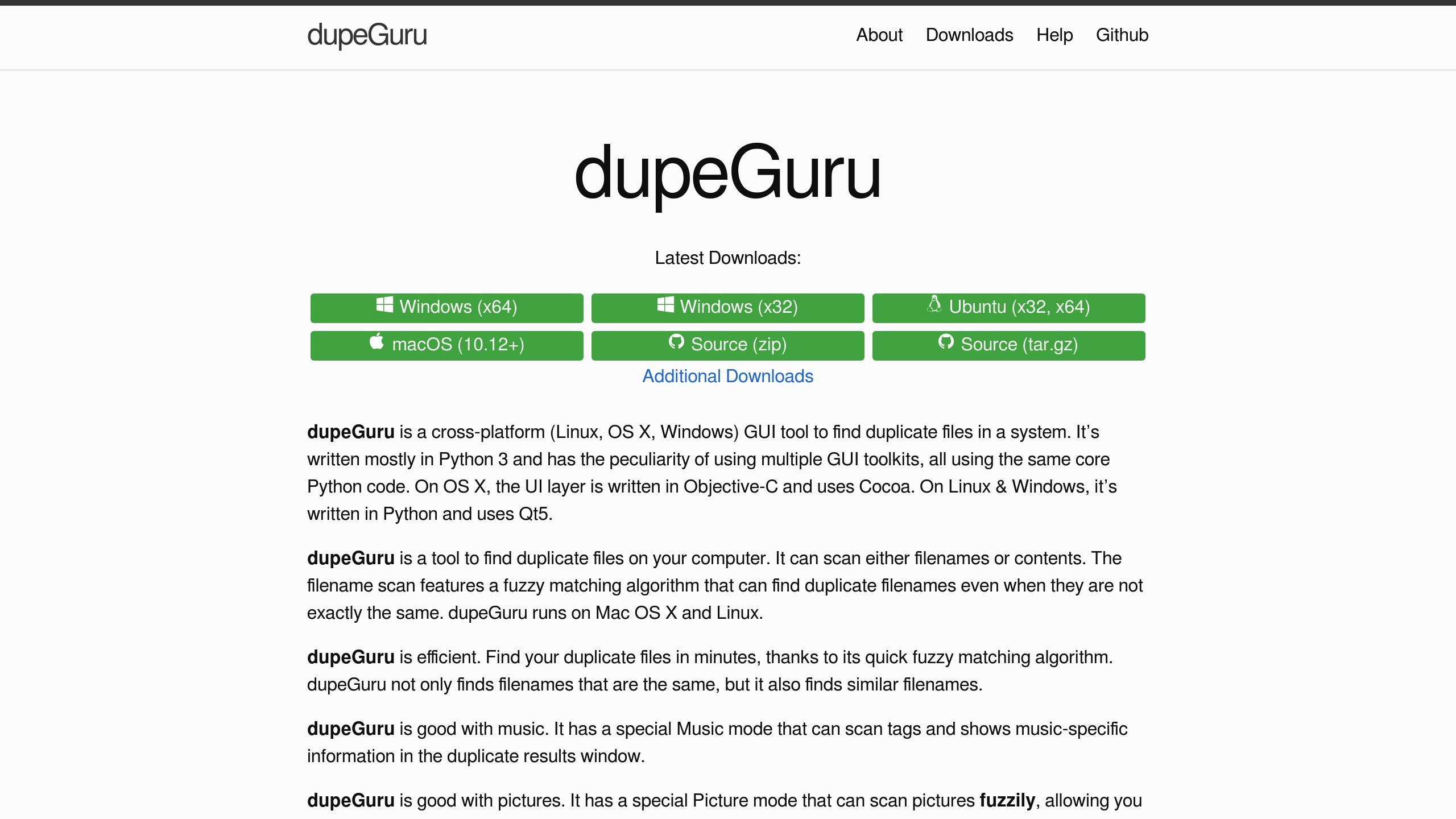
dupeGuru is the best free duplicate file finder if you want control and you do not mind a plain interface. It works on macOS, Windows, and Linux, which also makes it one of the few strong cross-platform choices.
Best for
dupeGuru is best for advanced users, developers, photographers on a budget, and anyone who wants an open-source duplicate file finder. It is also a good pick if you need Linux support.
What it finds
dupeGuru has 3 main modes: Standard, Music, and Picture. Standard mode handles general files. Music mode can compare audio files by metadata such as artist, title, album, and year. Picture mode can find similar images, not only exact copies.
The fuzzy matching is useful, but it needs judgment. A similar photo is not always a duplicate. A burst shot, edited export, cropped version, or lower-resolution copy may be worth keeping.
Safety features
dupeGuru groups duplicate candidates and lets you decide which file acts as the reference. You can move files instead of deleting them outright. That is the right workflow if you want to test cleanup without committing.
Caveats
Picture mode can be slow because similar-image matching needs heavier comparison. Large whole-drive scans can also be messy. Point dupeGuru at one folder or library at a time, then review results before you remove anything.
3. Tidy Up
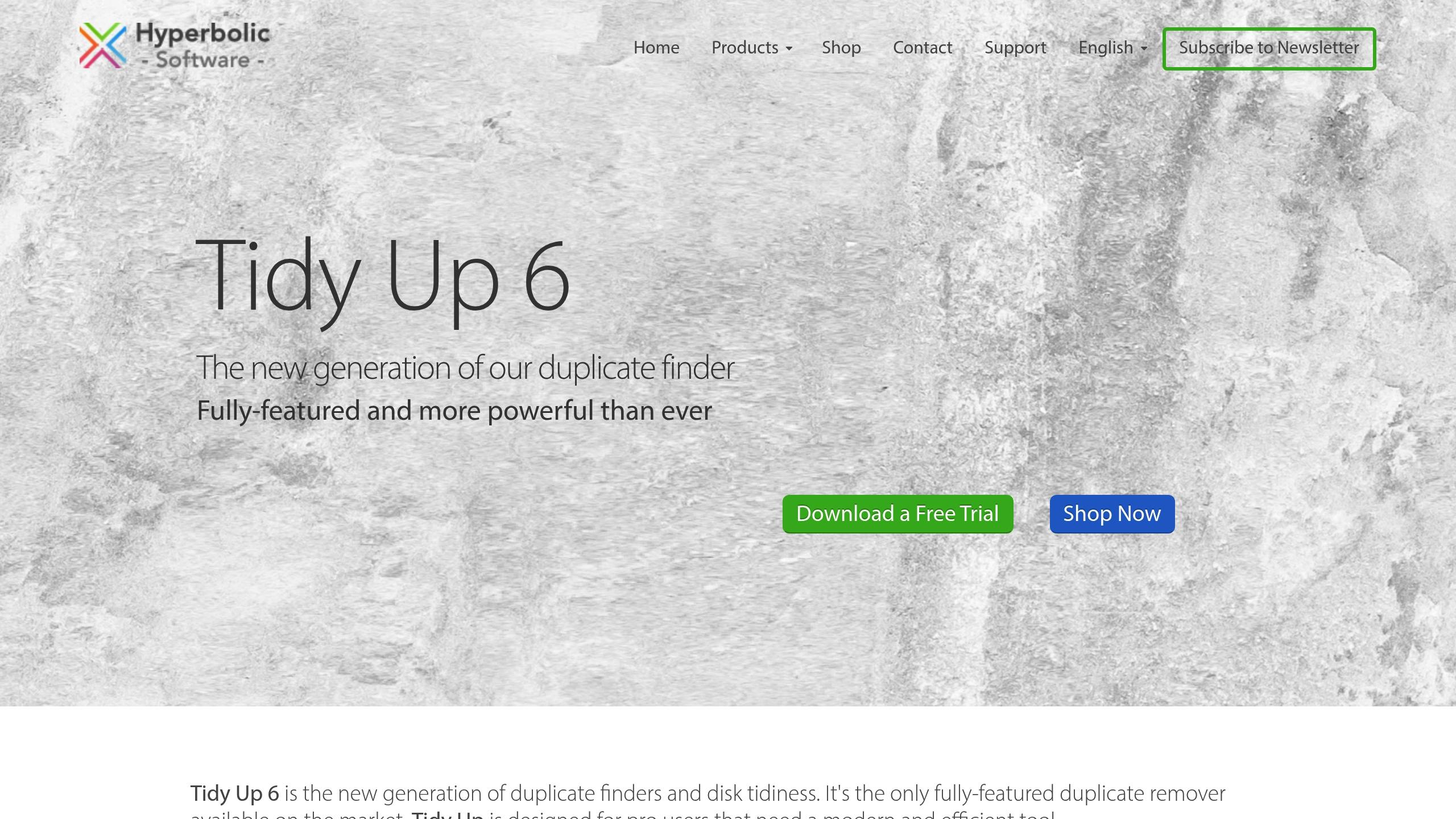
Tidy Up is a Mac-only duplicate file finder built for people who want deep filters. It is less casual than Easy Duplicate Finder, but it gives Mac power users more ways to narrow a scan.
Best for
Tidy Up is best for Mac users with large Photos, Music, Mail, Contacts, or Lightroom libraries. It also works well for people who want detailed rules instead of a one-click cleaner.
What it finds
Tidy Up can search for duplicate files, packages, folders, and media. Its Simple Mode gives preset searches for common cleanup jobs. Advanced Mode lets you build tighter rules around file type, metadata, names, dates, tags, and locations.
That depth helps when you have a messy Mac library with similar exports, old imports, and files copied across several folders.
Safety features
The app organizes results into categories and “Smart Boxes,” which makes review easier. You can inspect where duplicates came from before deleting them.
Caveats
Advanced filters can also create false confidence. Exclude system and app folders before scanning. If you are not sure why a file exists, leave it alone. Storage cleanup is not worth breaking an app or deleting a library database.
4. Duplicate File Finder by Nektony
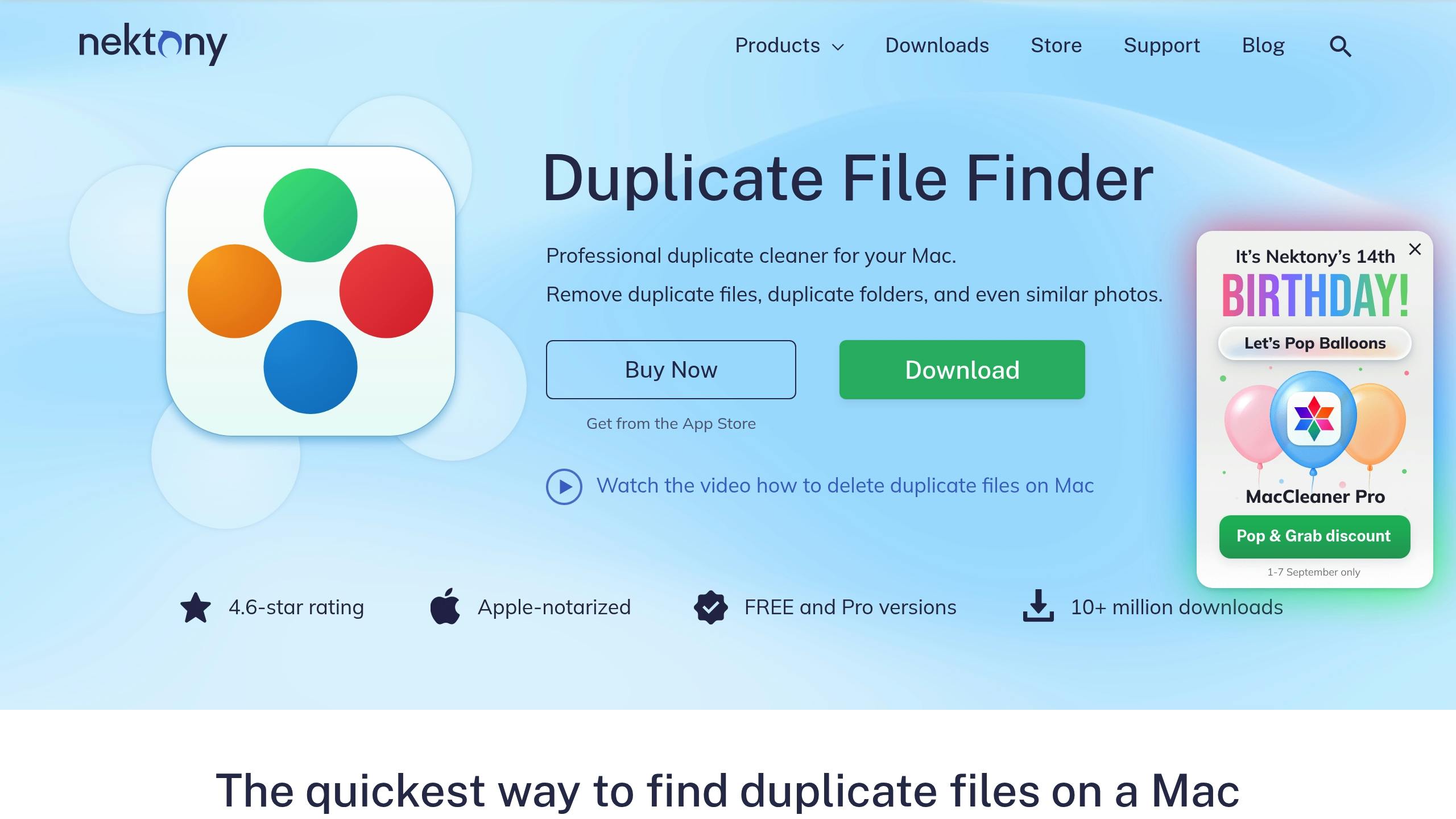
Nektony's Duplicate File Finder is a strong Mac duplicate file finder for users who want a cleaner interface than dupeGuru and less complexity than Tidy Up. It is especially useful for everyday Mac cleanup.
Best for
Use Nektony if you want to clean duplicate photos, folders, documents, and downloads on a Mac without becoming a file-management hobbyist. It is also a good choice for people who want visual review before deletion.
What it finds
The app scans selected folders and groups duplicate files for review. It can compare file contents, not only names, which helps catch renamed copies. It also includes tools for duplicate folders and similar photos, depending on the version and feature set you use.
Safety features
Nektony puts previews and smart selection near the center of the workflow. You can review duplicate groups, choose which version to keep, and send removed files to Trash.
That last part matters. Trash is a buffer. Use it.
Caveats
Nektony is Mac-only. Also, similar-photo detection needs a human review pass. Do not delete every similar image because an app grouped them together. A screenshot, edited crop, or compressed export may serve a different purpose.
5. Duplicate Sweeper
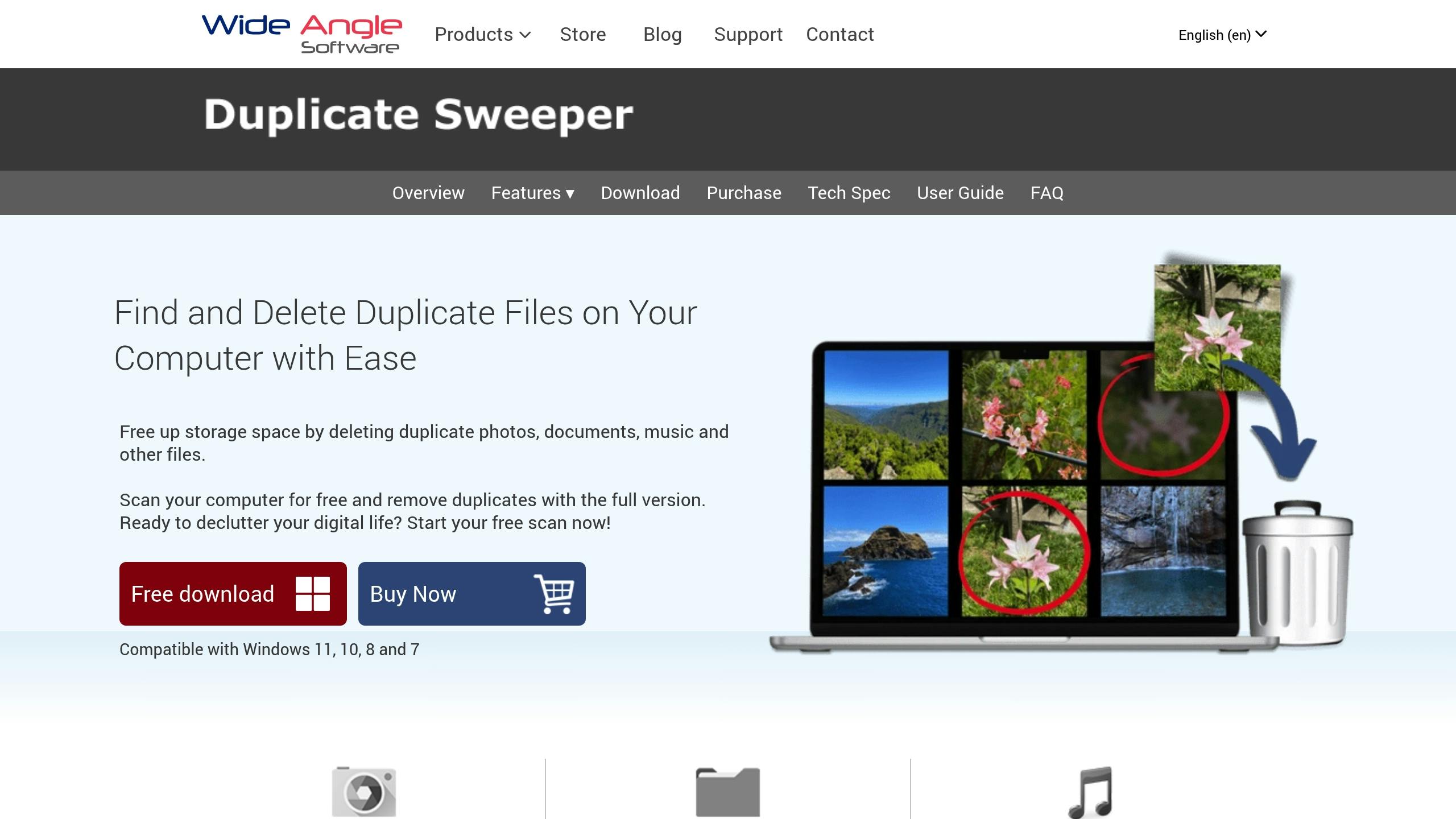
Duplicate Sweeper is a paid duplicate file finder for Mac and Windows. It is a practical option if you want one commercial tool across both platforms and prefer a straightforward cleanup flow.
Best for
Duplicate Sweeper fits users who need to scan local folders, external drives, and synced cloud folders on more than one operating system. It is useful for households or small teams that use both Mac and Windows.
What it finds
The app can compare file contents and find duplicate photos, music, documents, videos, archives, and other common file types. It is more useful when your duplicates are spread across folders than when they sit in one obvious Downloads pile.
Safety features
Duplicate Sweeper lets you inspect duplicate groups before removal. Use that review step, especially with cloud folders. Cloud sync can turn a local delete into a remote delete faster than you expect.
Caveats
Be careful with claims around direct cloud scanning. Some duplicate file finder tools scan locally synced cloud folders, not the cloud account itself. If you use iCloud Drive, Google Drive, Dropbox, or OneDrive, confirm what the app actually scans before deleting files.
6. CleverFiles Duplicates Finder
CleverFiles Duplicates Finder is a budget Mac duplicate file finder. It is not the deepest tool in this list, but it can work if you need a cheap way to scan common file types.
Best for
Use it for light Mac cleanup, small folders, and occasional duplicate checks. It makes less sense if you manage huge photo libraries or need advanced filters.
What it finds
The app can scan folders for duplicate photos, music, documents, and videos. It can also help with files stored in synced cloud locations, depending on how those files appear on your Mac.
Safety features
The main safety layer is manual review. That is fine for smaller cleanup jobs, but it can become tedious with thousands of files.
Caveats
Some users report slower deletion workflows and occasional false positives around files with the same size or date. Treat this duplicate file finder as a low-cost helper, not an autopilot.
Exact duplicates vs similar files
A duplicate cleaner may use different matching methods. You need to know which one you are using before you trust the results.
- Exact content match: the files are the same at the binary or hash level. This is the safest duplicate category to remove after review.
- Filename match: the files have the same or similar names. This is weak evidence by itself.
- Size/date match: the files look similar based on metadata. This can create false positives.
- Similar photo match: the images look alike, but they may be different crops, edits, resolutions, or moments.
- Music metadata match: the tracks may share artist, title, or album tags, but the audio file can still differ.
For photos and music, similar does not mean disposable. Keep the higher-quality original, the edited version you use, and anything tied to a project or album.
Best cleanup app by use case
If you want one safe starting point, pick by operating system and file type.
- Best overall finder app: Easy Duplicate Finder.
- Best free file cleanup tool: dupeGuru.
- Best duplicate cleaner for Mac photos: Nektony or Tidy Up.
- Best cleanup app for Windows: compare Easy Duplicate Finder, Duplicate Sweeper, Auslogics Duplicate File Finder, Duplicate Cleaner, and Fast Duplicate File Finder.
- Best for advanced users: dupeGuru or Tidy Up.
- Best for cloud-synced folders: Easy Duplicate Finder or Duplicate Sweeper, after you confirm how each tool handles your cloud provider.
If you are cleaning Mac storage beyond duplicates, use a separate uninstaller for apps. Duplicate cleanup tools should not remove app leftovers. For that job, Softorino's CleanAppsNow helps you uninstall Mac apps completely by removing the app and related leftover files, caches, and preferences.
What not to delete
Do not use a cleanup tool to clean folders you do not understand. That includes:
- macOS System and Library folders.
- Windows, Program Files, AppData, and driver folders.
- App package contents.
- Photos Library package contents unless the tool supports it clearly.
- Time Machine, File History, or backup archives.
- Cloud folders you have not backed up or checked after sync.
If you want to recover storage safely, clean personal folders first: Downloads, Desktop, duplicate exports, old ZIP files, copied videos, and photo import folders.
FAQ
What is the best duplicate file finder for Mac?
The best duplicate cleaner for Mac depends on your library. Nektony's Duplicate File Finder is a good everyday Mac pick. Tidy Up is better for power users with Photos, Music, Mail, or Lightroom libraries. dupeGuru is the best free option if you are comfortable reviewing results carefully.
What is the best duplicate cleaner for Windows?
For Windows, start with Easy Duplicate Finder or Duplicate Sweeper if you want a cross-platform commercial app. Also compare Windows-focused tools such as Auslogics Duplicate File Finder, Duplicate Cleaner, and Fast Duplicate File Finder if you want a Windows-only workflow.
Are cleanup tools safe?
Dedupe Apps are safe when you preview results, exclude system folders, and move files to Trash or Recycle Bin first. They become risky when you run whole-drive scans, trust similar-file matches blindly, or delete from cloud-synced folders without a backup.
Can a duplicate cleaner scan iCloud, Google Drive, or OneDrive?
Some cleanup tools can scan cloud-synced folders. That does not always mean they scan the cloud account directly. Check whether the tool scans local synced copies, online-only placeholders, or the cloud source before deleting anything.
Should I delete duplicate files from system folders?
No. Do not delete duplicates from macOS System folders, Windows folders, Program Files, app packages, drivers, or backup archives. Duplicate-looking files in those locations may be required by the operating system or an app.
What is the difference between exact duplicates and similar photos?
Exact duplicates match at the content level. Similar photos only look alike. A duplicate photo finder can group burst shots, edited exports, crops, and compressed copies together, so you should review each group before deleting anything.
Final recommendation
Use a finder app like a scalpel, not a shovel. Start small, preview matches, and delete only what you understand.
For most users, Easy Duplicate Finder is the best first stop. dupeGuru is the best free file cleanup tool. Tidy Up and Nektony are stronger Mac picks when photo and media libraries matter. Duplicate Sweeper is useful if you live between Mac and Windows.
Once duplicates are gone, keep cleanup habits boring: name files clearly, avoid dumping everything on the Desktop, and check Downloads once a month. Future-you will be less annoyed.

AltTunes
Seamlessly Browse, Manage & Export iOS Data
