Best Batch Video Downloaders for Fast Playlist Downloads


TL;DR: A batch video downloader lets you paste multiple URLs, a playlist, or sometimes a full channel, then download the videos in one queue. For most people who want YouTube, SoundCloud, or Vimeo content ready for offline iPhone use, Softorino YouTube Converter PRO (SYC PRO) is the cleanest Softorino pick.
Best batch video downloader: quick verdict for 2026
A batch video downloader lets you paste multiple URLs, a playlist, or sometimes a full channel, then download the videos in one queue. That is the whole point. You should not have to babysit 40 links one by one.
For most people who want YouTube, SoundCloud, or Vimeo content ready for offline iPhone use, Softorino YouTube Converter PRO (SYC PRO) is the cleanest Softorino pick. It runs on Mac and Windows, downloads MP4 or MP3, supports playlists, and avoids the sketchy web-converter mess.
If your main job is huge local playlist archiving, compare SYC PRO with playlist-first desktop tools such as 4K Video Downloader+. If you want a general download manager for large files, Free Download Manager fits better than a YouTube-specific app. If you want browser media grabbing, use an extension carefully. Some browser extensions openly do not support YouTube and ask for broad browser permissions.
The best batch video downloader is not the one with the loudest “supports every site” claim. It is the one that supports the source, format, device, and queue size you use.
Before we begin
Download SYC PRO on Mac or Windows to save permitted playlists or multiple YouTube, Vimeo, and SoundCloud items in a managed download workflow. Choose the format and destination before starting the batch, and download only media you may legally save.
Quick comparison: 7 batch video downloader tools
Tool | Best for | Platform | Playlist or batch support | MP4/MP3 support | Main caution |
|---|---|---|---|---|---|
SYC PRO | YouTube/SoundCloud/Vimeo downloads for offline iPhone use | Mac, Windows | Playlists and queued downloads | MP4, MP3 | Quality depends on the original source |
SnapDownloader | Desktop users who want scheduled downloads and format choices | Mac, Windows | Multiple URLs and playlists | Common video/audio formats | Check current platform/site support before buying |
VideoHunter | Users who want playlist/channel downloads with simple format choices | Mac, Windows | Multiple URLs, playlists, channels | Common video/audio formats | Avoid unsourced speed claims |
AVS Video Converter | Windows users who need conversion more than pure downloading | Windows | Limited downloader fit | Strong conversion focus | Treat it as converter-first |
VideoProc | Users who want downloading plus conversion and editing tools | Mac, Windows | Large URL queues and playlists | Common video/audio formats | More features than some users need |
Free Download Manager | Free general downloads and interrupted-file recovery | Mac, Windows, Linux, Android | Batch queues for general files | Not a YouTube-first tool | Do not assume broad YouTube support |
Ninja Download Manager | Budget users who want download queues and a media converter | Windows, Mac | Multiple files and queues | Built-in converter | Verify current support and maintenance |
Also compare 4K Video Downloader+ if your main search is “YouTube playlist downloader” and you want massive playlist or channel archives. It is a common benchmark for this job. This guide focuses on the 7 tools from the current Softorino comparison set, but 4K belongs on your shortlist for heavy YouTube archive work.
How to choose a batch video downloader
Start with the job, not the feature list. “Batch video downloader” can mean several things: downloading a YouTube playlist, saving many direct video URLs, grabbing media from web pages, converting a folder of videos, or recovering a broken large download.
Use this checklist before you install anything:
Quick takeaways
- Confirm the source: YouTube, Vimeo, SoundCloud, TikTok, direct URLs, or generic web pages.
- Check the batch type: multiple pasted URLs, playlist URL, channel URL, or browser-page media detection.
- Choose the output: MP4 for video, MP3 for audio, or another format only if your device needs it.
- Check the destination: local folder, iPhone, iPad, media player, or external drive.
- Review safety: avoid ad-heavy converter sites, suspicious installers, and extensions with broad permissions.
- Respect rights and platform rules. Download your own content, content you have permission to save, or content the platform allows for offline use.
That last point matters. YouTube’s Terms of Service restrict downloading unless YouTube provides a download button or you have permission. If you need official offline viewing, check YouTube’s own offline and Premium rules before using any third-party tool.
Desktop app vs browser extension vs online downloader
A desktop batch video downloader is usually the better choice for repeat work. You get queues, retries, format settings, output folders, and fewer fake download buttons. Desktop tools also make more sense for playlists or bigger batches.
Browser extensions are convenient for grabbing media from pages, but they are not magic. Some extension listings say they do not download YouTube videos. Others need access to pages you visit. That does not make every extension unsafe, but it does mean you should read permissions before installing.
Online downloaders are fine for a one-off public video when you trust the site. They get annoying fast for 20 videos. Ads, popups, broken links, and format limits turn a “free” workflow into a time tax.
1. Softorino YouTube Converter PRO (SYC PRO)
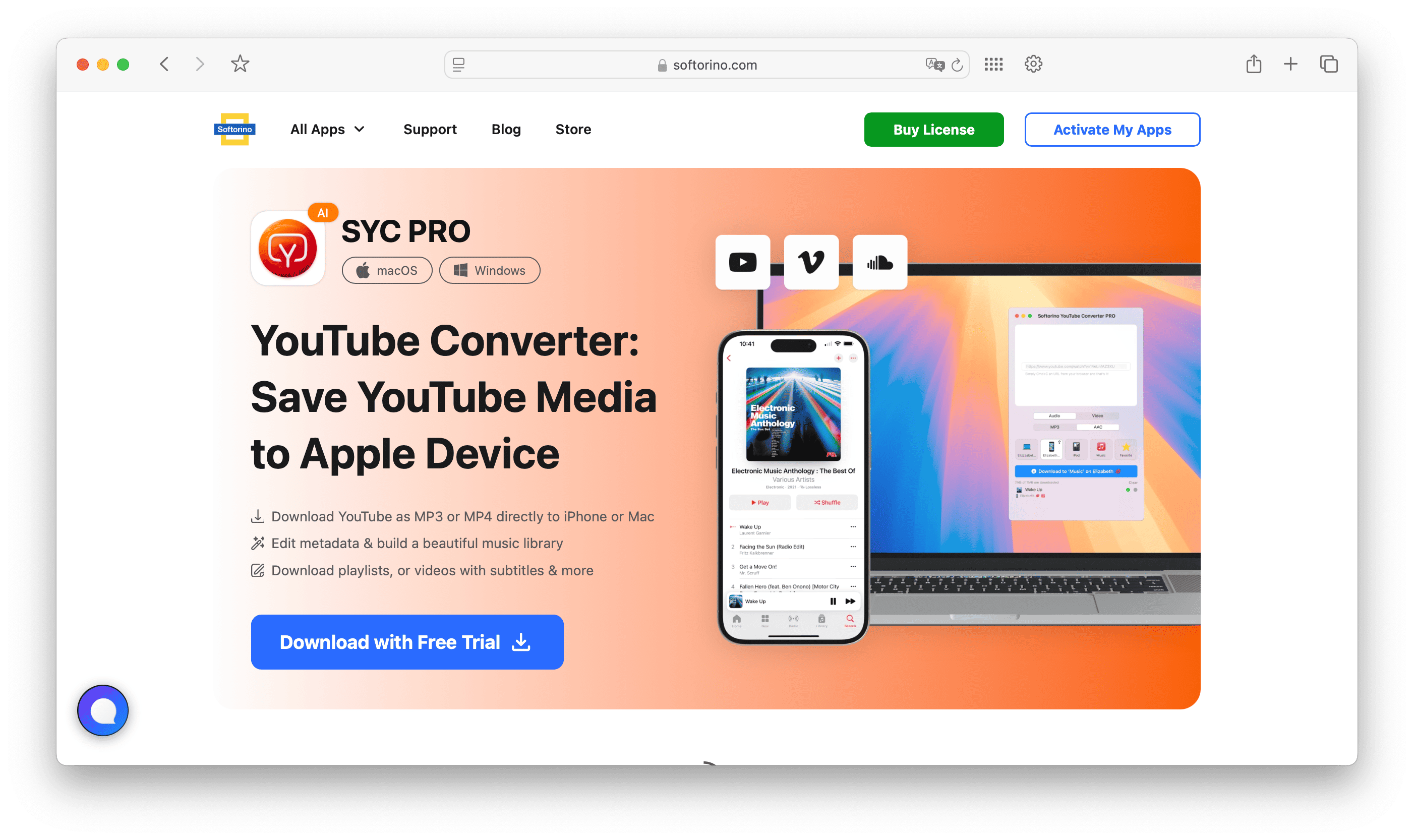
Softorino YouTube Converter PRO, also known as SYC PRO, is the best batch video downloader here for people who want YouTube, SoundCloud, or Vimeo content ready for offline iPhone use. It is not trying to be every downloader for every edge case. It solves a clear problem: save online video or audio as MP4 or MP3, then keep it usable on your Apple devices.
Best for
Use SYC PRO if you want a Mac or Windows app for YouTube playlist downloads, MP3 music saves, offline iPhone viewing, and a cleaner workflow than browser converter sites. It fits commuters, students, travelers, gym playlists, and anyone who wants media available without Wi-Fi.
This is also the strongest Softorino fit because it connects the download to the device outcome. You are not only saving random files into a folder. You are building an offline media library you can use on iPhone.
Batch video downloader workflow
SYC PRO supports playlist-style downloading, so you can queue more than one video instead of copying links one at a time. Choose MP4 when you want video. Choose MP3 when you only need audio. Keep quality claims grounded: available quality depends on the original upload and the source platform.
The app also helps with metadata. That matters when you download music or video in bulk. A folder full of anonymous files is still a mess, even if the downloads finished quickly.
Main caution
Do not treat SYC PRO as a raw archive tool for every site on the internet. Its best lane is YouTube, SoundCloud, Vimeo, playlists, MP4/MP3 output, and offline iPhone use. If you need a power-user archiver for entire channels, compare it with 4K Video Downloader+ before deciding.
If your goal is to move already-downloaded MP4, MKV, or AVI files to iPhone without iTunes, use WALTR PRO for the transfer step.
2. SnapDownloader
SnapDownloader is a desktop downloader for people who want a straightforward app with multiple URL handling, scheduling, format choices, and background downloading. It is a good fit when you want more control than an online converter but do not need a full media-management workflow.
Best for
Use SnapDownloader if you download batches on a desktop and want to queue work, walk away, and come back later. Scheduling and background downloading make sense when you have a long list of links and do not want the app blocking your day.
Batch support and formats
SnapDownloader can handle multiple URLs and common video/audio output formats. That gives it a practical lane for users who need bulk downloads and format conversion in one app.
Do not buy any downloader based on a supported-sites number alone. Site support changes when platforms change their video delivery. Check the current vendor page for the source you need before you commit.
Main caution
SnapDownloader is a general desktop downloader. If your real destination is iPhone, compare the extra transfer steps against SYC PRO. A download that still needs another app, cable workflow, or manual sync may not save you time.
3. VideoHunter
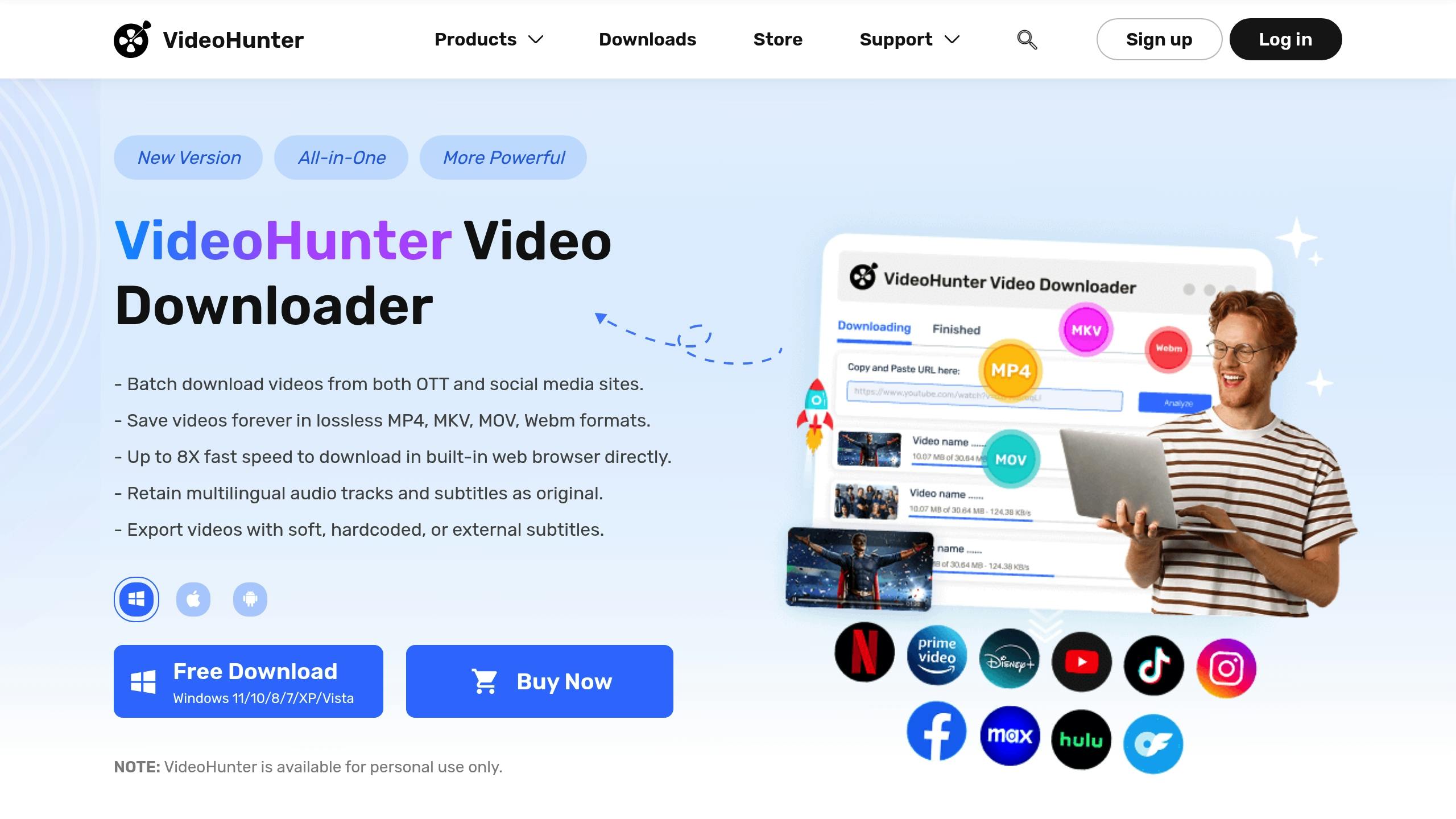
VideoHunter is built for users who want to paste several links, grab playlists or channels, and choose a usable output format without learning command-line tools. It sits in the same practical category as other desktop video downloaders: simple enough for normal users, more controlled than a web converter.
Best for
Use VideoHunter if you care about playlist/channel downloads and want a desktop interface for batching work. It makes the most sense for people collecting videos into local folders, not necessarily building an iPhone-ready library.
Batch support and formats
VideoHunter can process multiple URLs and offers flexible output choices. That covers the core batch video downloader job: paste the links, choose the format, start the queue, and avoid repeating the same steps for every file.
Main caution
Keep speed claims in perspective. Every downloader depends on the source, your connection, server throttling, video length, and selected quality. A tool can have a good queue system and still slow down when the platform or network slows down.
4. AVS Video Converter
AVS Video Converter is best treated as a Windows conversion tool with downloader-adjacent use, not as the strongest pure batch video downloader. That distinction matters. If you mostly need to convert a batch of local files into MP4, AVI, MKV, or MOV, AVS makes more sense than if you need playlist-first YouTube downloading.
Best for
Use AVS Video Converter if you are on Windows and your main pain is format compatibility. Maybe you already downloaded videos, but they will not play on your device. Maybe you need presets for different screens. That is converter territory.
Conversion workflow
AVS focuses on turning media into formats your devices can play. It also includes basic editing tools such as trimming and cropping, which can help when you want to clean up local files before saving or sharing them.
Main caution
Do not choose AVS as your first pick for YouTube playlist downloads unless you verify the current download workflow. For batch downloading from online sources, SYC PRO, SnapDownloader, VideoHunter, VideoProc, or 4K Video Downloader+ are more obvious comparisons.
5. VideoProc
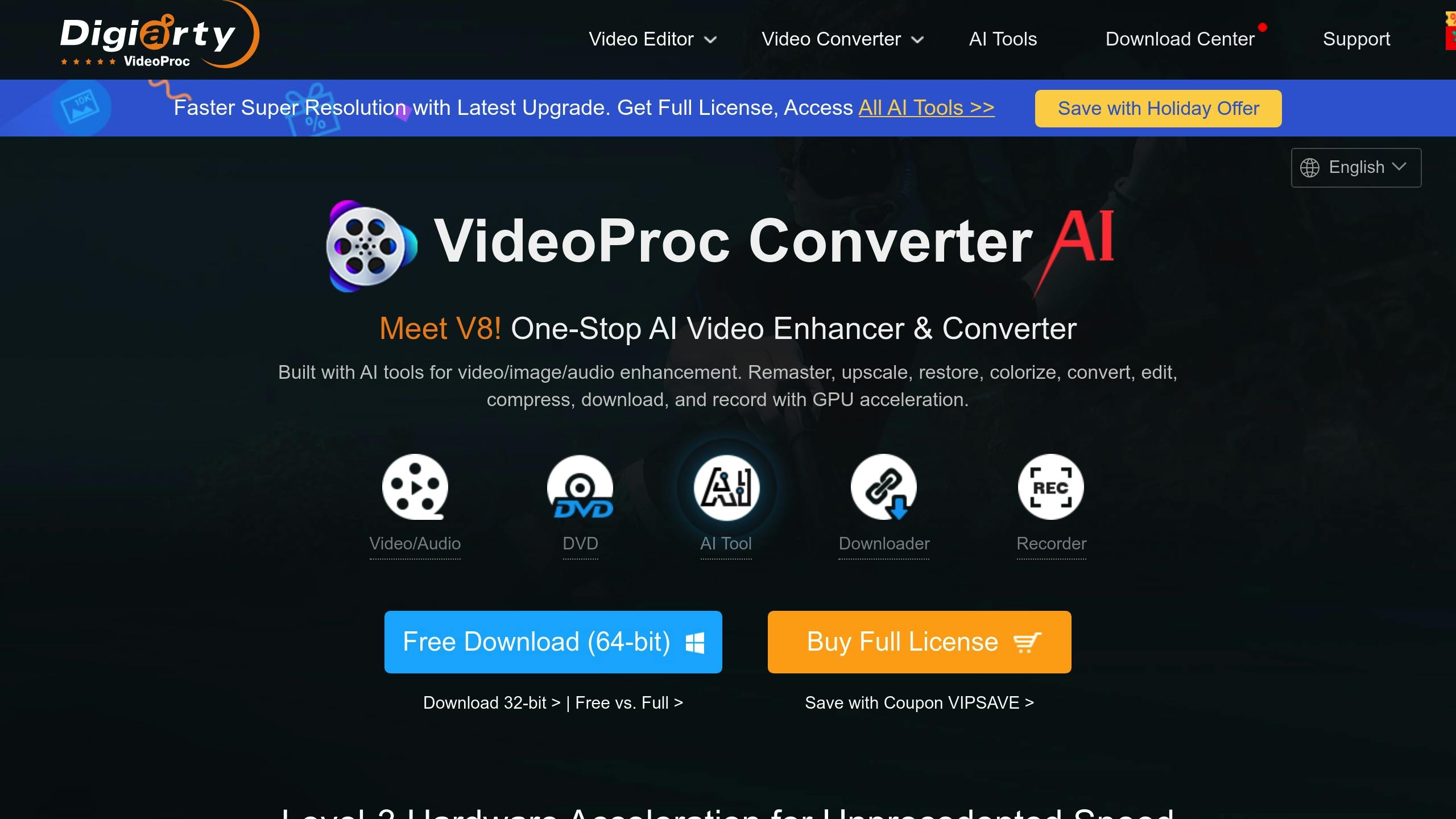
VideoProc is a broader media tool. It combines downloading, conversion, editing, compression, and recording features. That makes it useful if you want one app for several video jobs, but it may feel like too much if all you need is a simple YouTube playlist downloader.
Best for
Use VideoProc if you download videos and then edit, convert, compress, or extract subtitles from them. It fits users who want a toolbox, not only a queue.
Batch support and extra tools
VideoProc can handle large URL queues and playlist-style downloads. It also adds conversion and editing tools, which helps when downloaded videos need a different format or smaller file size before you store them.
Main caution
More features are not always better. If you only want to save a playlist as MP4 or MP3 and use it offline on iPhone, SYC PRO is the cleaner path. If you want a general media workstation, VideoProc is worth comparing.
6. Free Download Manager
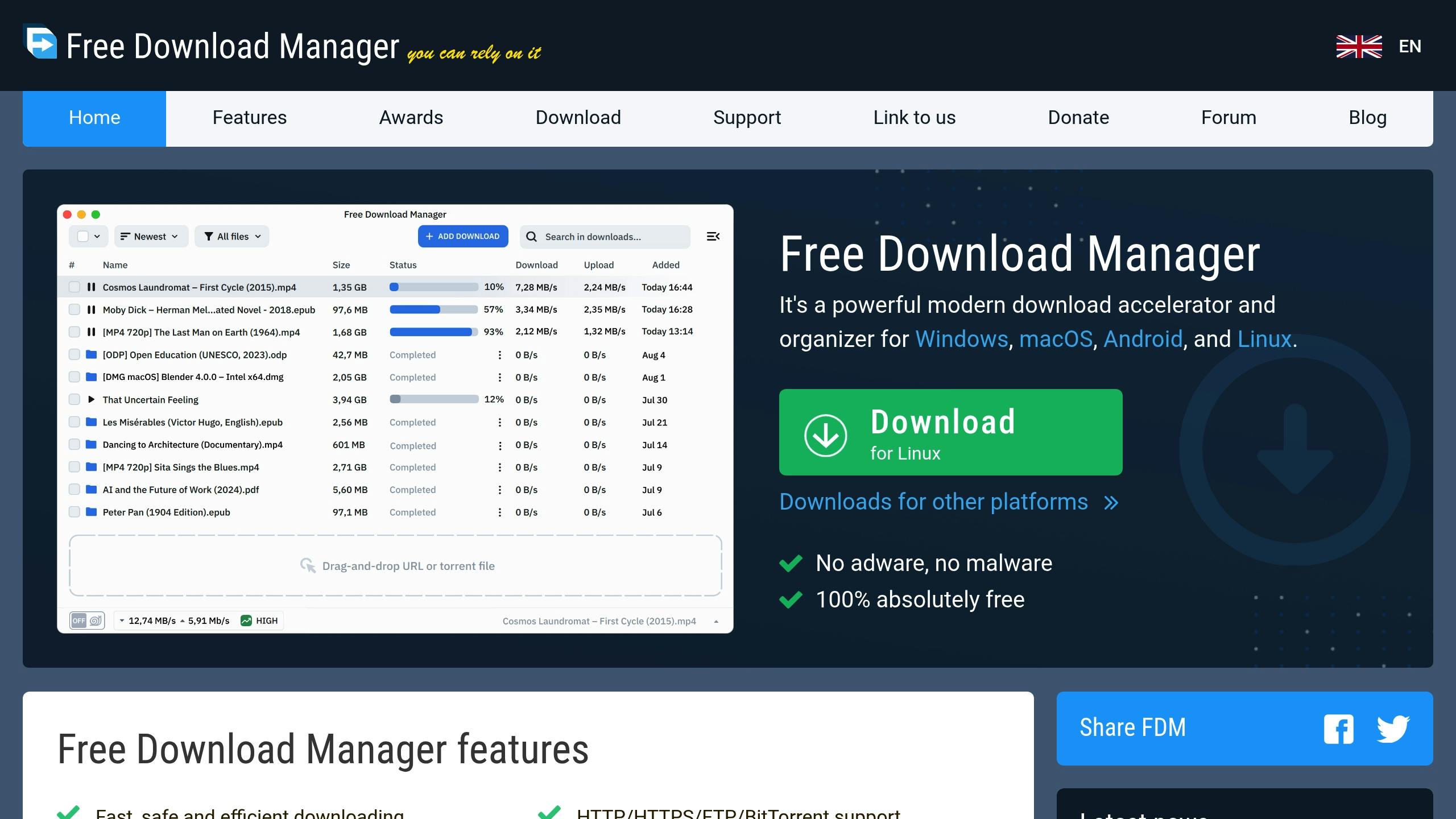
Free Download Manager, or FDM, is a free download manager for handling large files, queues, interrupted downloads, and bandwidth control. It is useful, but it is not the same thing as a dedicated YouTube playlist downloader.
Best for
Use FDM if your batch downloads are general files, direct links, Linux ISOs, archives, or large media files from sources that allow direct downloading. It is a good pick when you care about pausing, resuming, and recovering from broken connections.
Queue and recovery features
FDM can split downloads, manage queues, and resume interrupted files when the source supports it. That is the real value. A browser download that fails at 92% is rage fuel. A download manager gives you a better chance of finishing without starting over.
Main caution
Do not assume FDM works for every video platform. Many video sites do not expose direct downloadable files in a simple way. If your goal is YouTube playlists, use a YouTube-focused tool instead.
7. Ninja Download Manager
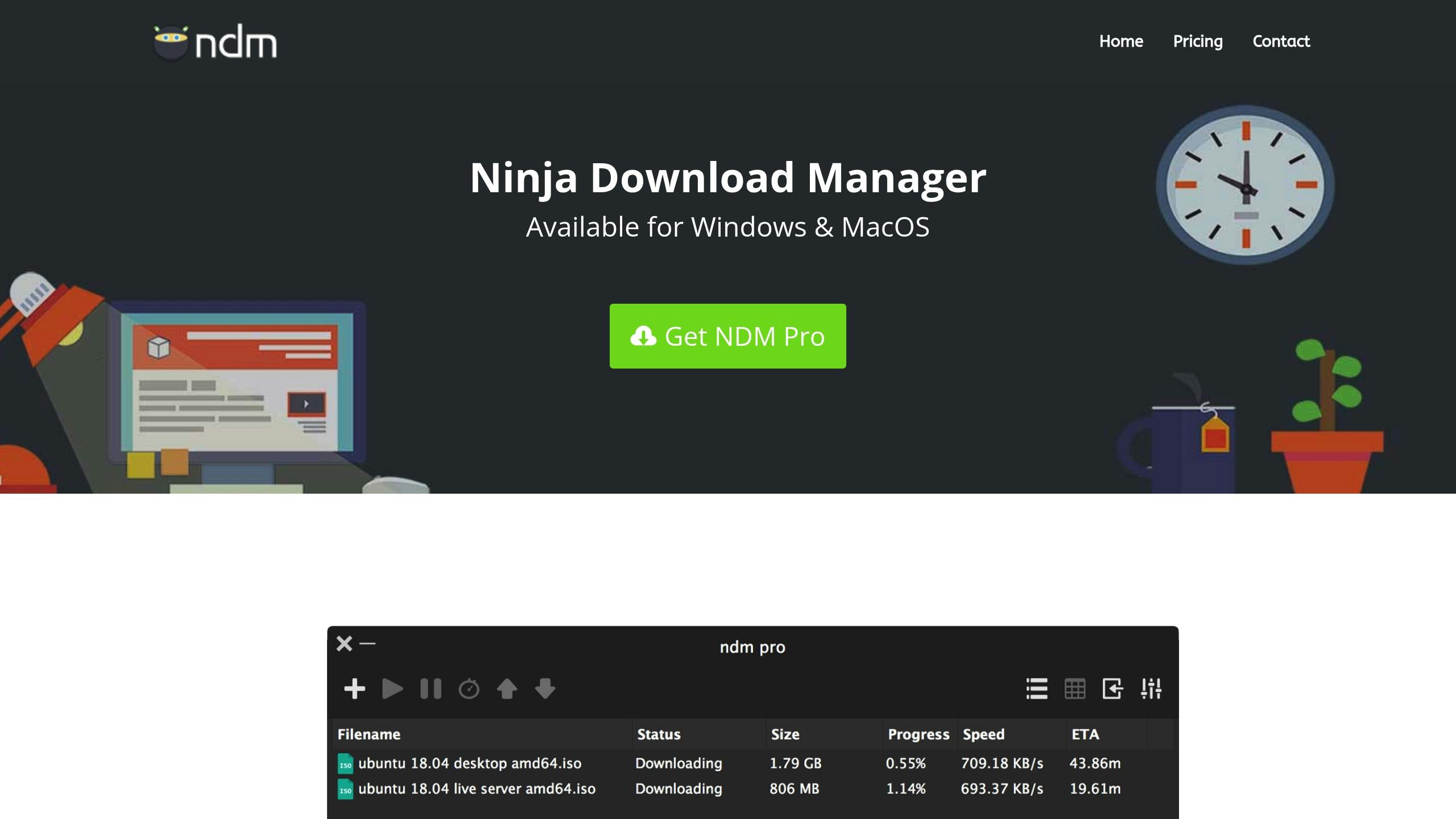
Ninja Download Manager is a budget-friendly download manager with queue controls, clipboard monitoring, speed limiting, and a built-in media converter. It is closer to FDM than to SYC PRO: good for managing downloads, less focused on the iPhone/offline YouTube outcome.
Best for
Use Ninja Download Manager if you want a desktop download queue and simple conversion tools without paying for a large media suite. It can fit users who save many files from direct links and want more control than a browser gives.
Batch support and conversion
Ninja can manage multiple downloads and convert media after downloading. Clipboard integration can speed up the workflow because the app notices copied links and lets you add them to the queue.
Main caution
Verify current support before relying on it for a specific video platform. Download managers can be excellent for direct file downloads and still weak for playlist or channel downloads.
How to download multiple YouTube videos or a playlist
The exact buttons differ by app, but the safe workflow looks like this:
- Copy the playlist URL or collect the video URLs you have permission to save.
- Paste the playlist or URL list into your batch video downloader.
- Choose MP4 for video or MP3 for audio.
- Pick a quality level that matches your storage and device.
- Choose the destination folder or device workflow.
- Start the queue and review failed items after it finishes.
If you plan to watch on iPhone, keep the device step in mind before downloading. A local MP4 folder on your Mac is not the same as offline playback on your phone. Softorino YouTube Converter PRO is the better fit when the goal is to download YouTube videos to iPhone without building a manual transfer routine.
Safety and copyright checklist before batch downloading
Batch downloading makes one mistake bigger. Before you queue 100 videos, slow down for 60 seconds.
- Download only videos you own, created, have permission to save, or can download under the platform’s rules.
- Read the source platform’s terms before downloading from services like YouTube.
- Avoid online converters with fake download buttons, forced notifications, or surprise installers.
- Check browser extension permissions before installing anything.
- Keep MP4 for broad video compatibility and MP3 for audio-only use.
- Test one video before starting a large batch.
For official rules, check the YouTube Terms of Service and YouTube’s own help pages for offline viewing. For local playback compatibility, a player such as VLC can help you test files before moving them to another device.
Best batch video downloader by use case
Choose SYC PRO if you want YouTube, SoundCloud, or Vimeo downloads as MP4 or MP3 for offline iPhone use. It is the cleanest Softorino path and avoids sketchy converter sites.
Choose VideoProc if you want downloading plus conversion, compression, recording, and editing in one app.
Choose Free Download Manager if you mostly download large direct files and care about resume support.
Choose SnapDownloader or VideoHunter if you want a desktop downloader with playlist and multiple-URL workflows.
Compare 4K Video Downloader+ if your main job is huge YouTube playlists or channels and you want a known playlist-first benchmark.
Skip browser extensions unless you understand their permissions and limitations. Some are useful for generic page media. Many are not YouTube playlist downloaders.
FAQs
What is the best batch video downloader for YouTube playlists?
The best batch video downloader for YouTube playlists depends on your destination. Choose SYC PRO when you want YouTube content as MP4 or MP3 for offline iPhone use. Compare 4K Video Downloader+ if you need huge playlist or channel archiving on a desktop.
Can I download multiple YouTube videos at once?
Yes, many desktop downloaders let you paste several URLs or one playlist URL, then process the videos in a queue. Make sure you have permission to download the content and that the tool supports YouTube playlists, not only generic web media.
Are browser extension batch downloaders safe?
Some are fine, but read the permissions first. A browser extension may need access to pages you visit, and some extensions do not support YouTube at all. For repeat playlist downloads, a desktop app is usually cleaner.
Should I choose MP4 or MP3 for batch downloads?
Choose MP4 when you want video. Choose MP3 when you only need audio, such as a lecture, podcast-style video, or music track you are allowed to save. MP4 is the safer default for playback across phones, computers, and TVs.
Can I save batch-downloaded videos to iPhone?
Yes, but the workflow matters. SYC PRO is built for downloading supported online videos and keeping them ready for offline iPhone use. If you already have local MP4, MKV, or AVI files, use WALTR PRO to move those files to iPhone without iTunes.
Conclusion
A good batch video downloader saves time because it removes the repeated work: copy link, paste link, choose format, wait, repeat. The right pick depends on what you are downloading and where the files need to end up.
Use SYC PRO if your goal is YouTube, SoundCloud, or Vimeo content as MP4 or MP3 for offline iPhone use. Use a general download manager for direct files. Use a broader media suite if you also need conversion, compression, or editing.
If you also use WALTR PRO or other Softorino apps, the Softorino Universal License can cover the bigger offline-media workflow without juggling separate purchases.
Start with one test download. Confirm the format plays where you need it. Then run the full batch. That small check beats fixing 50 wrong files later.

SYC PRO
Download Web Videos Like a PRO
